
Schoology Parent Access
What Is Schoology?
Holly Area Schools uses Schoology (pronounced Skool’uh-jee), an award winning Learning Management System that offers our students the opportunity to see assignments and grades, participate in group discussions, interact with teachers and other students, track their progress, turn in assignments, monitor progress and homework due dates, plus much more. It helps students stay organized and it keeps the class connected.
A Schoology Parent Account gives you access to:
● The classes your child is enrolled in.
● Your child’s upcoming assignments.
● School and class announcements.
Schoology makes it easy for parents to stay involved in their children’s education.
Once you have a School Parent Access Account, you will use the following link to log in: Schoology Parent Access
Haven't created your parent account yet? Follow the steps below!
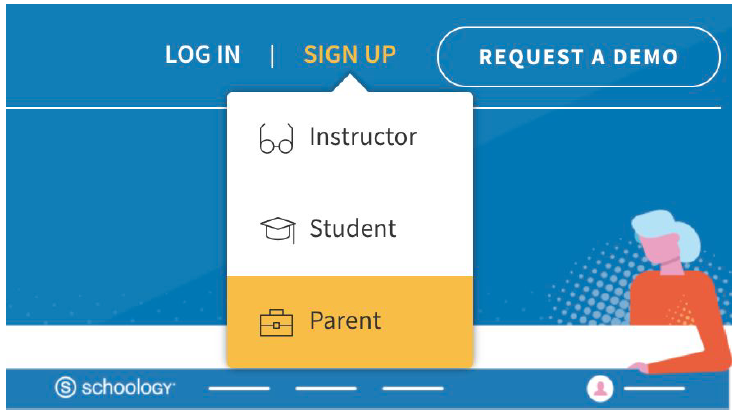
To sign up for a Schoology Parent Account please follow the direction below:
When you use a Parent Access Code to create an account, you are automatically associated For additional information on creating your Parent account and Schoology features, check out the our Schoology Parents Guide. You can also watch the Parent Resource Kit video explaining what you'll see once you're logged in with your Schoology Parent Account. |
Can Schoology notify me regarding my child's progress?
There is an option for parents to receive an email digest and overdue notifications email as long as they have set up their parent account in Schoology. Please reference the documentation below to set up your notification options!
 Parent Email Digest and Overdue Notifications Email Setup Instructions
Schoology Parent Access
(Once your account has been created)
 Schoology Parent GuideGuía de Schoology para padres
Curious regarding the difference between Parent and Student accounts? The Differences between Parent and Student Accounts video may be helpful!
Troubleshooting Google Drive Connection Issues